Arc Raiders UGC
Ban appeal workspace
At a glance
Key capabilities
What Arc Raiders UGC focuses on before you open the full module list.
Plus 6 additional modules in the operator portal—see the full list below.
Overview
UGC and ban appeals
How this build fits topside raids, extraction, and patch-day updates.
UGC helps you organize appeals for Arc Raiders restrictions and anti-cheat bans. It does not guarantee an unban.
Track the case, keep evidence in one place, and follow up from the dashboard. Discord can walk you through the steps.
What this covers
UGC is a workspace for Arc Raiders ban appeals, security holds and restriction cases. It organizes evidence and follow-ups. It does not guarantee that Embark will restore the account.
Realistic expectations
Some anti-cheat bans cannot be reversed. Pair this with the HWID spoofer only when the hardware itself is flagged. If the account reputation is burned, a new account may be the only remaining path.
Modules
What's included
Every module and overlay shipped with Arc Raiders UGC—toggle and tune in the operator portal.
- Appeal workflows
- Case documentation templates
- Status tracking dashboard
- Evidence checklist
- Timeline tracker
- Follow-up templates
- Identity notes
- Discord case support
Experience
In the client · After you buy
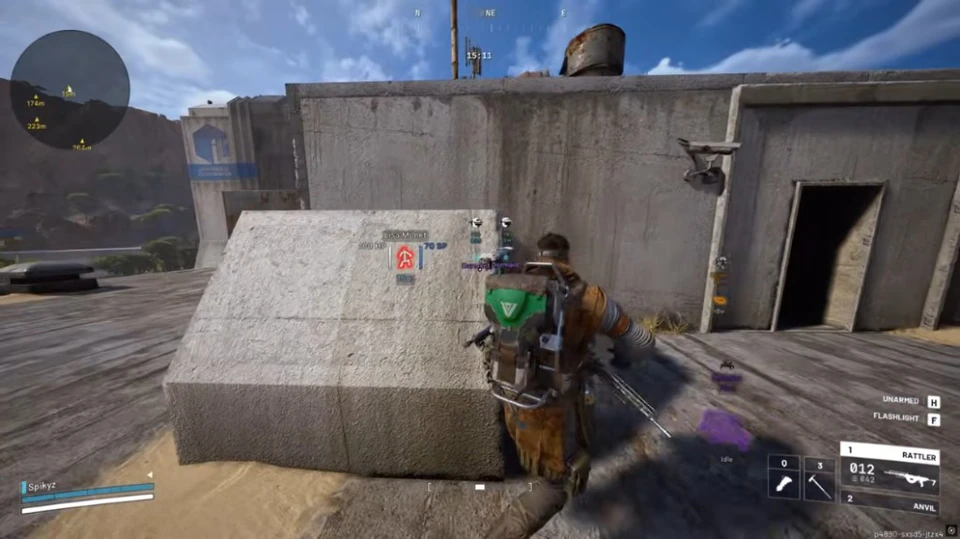
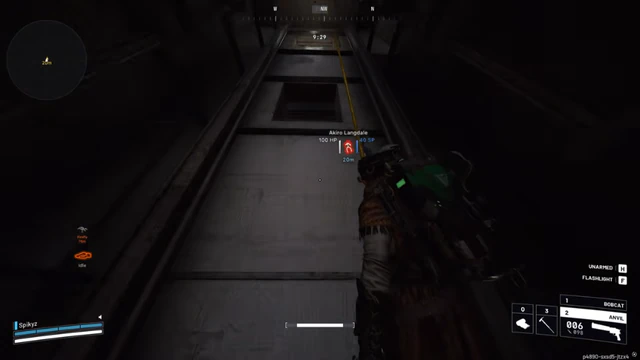
Use the screenshots above for Arc Raiders UGC. Below is what each layer means and how access works after checkout.
In-game layers
- Layer A
Shield through cover
The player icon, name, and shield value stay up while they are behind a concrete block.
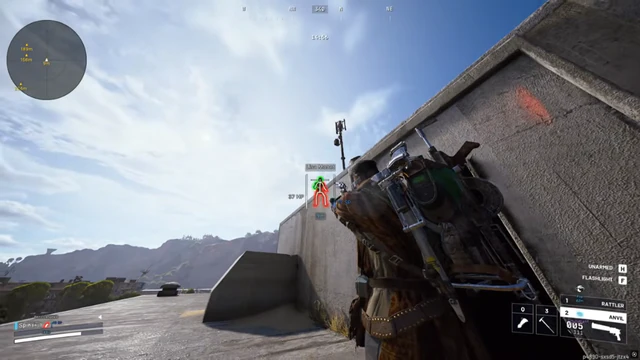
- Layer B
Building wallhack
A skeleton and nameplate on a player standing on the far side of a building wall.
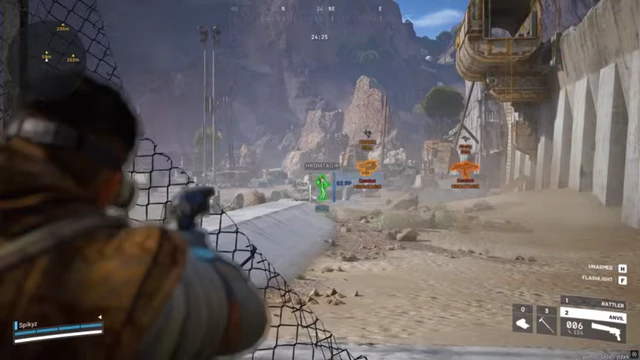
- Layer C
Color-coded bones
The same contact drawn in green once the overlay color updates, still readable through the canopy.
Guides
Learn more about Arc Raiders UGC
Curated articles for setup, tuning, and patch-day checks that match this product.
The five Arc Raiders cheat types, the first-offense ban Embark announced, what that ban takes, and when a hardware flag is a different problem from a lost account.
A buyer’s checklist for Arc Raiders cheats: ARC targeting, extraction ESP, radar, two aim keys, and how to tell a private build from a free file with a price tag.
What Elite from Arc Raiders Hacks includes: aimbot for players and ARC, ESP wallhack, radar, loot ESP, and a stream-proof overlay.
The full Arc Raiders Hacks menu: Elite aimbot, ESP wallhack, radar, loot ESP, stream-proof, maps, plus the skin changer, HWID spoofer, and UGC.
Hack FAQ
Arc Raiders hacks questions
Straight answers on aimbot, ESP, bans and setup. The full FAQ covers every topic.